How we delete all the messages at once at facebook
Facebook Message
Deleting all the message at once at face book
Deleting message one by one on face book is very slow and time consuming process. If you want to delete the entire message at once then do the following steps:
Download the ?Delete all message 3.0 ?apps form the following link.
-
Now open Google chrome and open the setting page
-
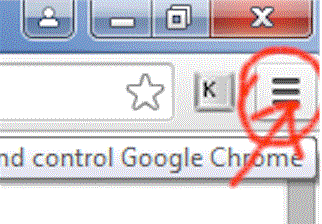
For this purpose click on click on customize and control Google chrome button on top right corner of Google chrome browser.
-
Then select the setting option in appearing menu.
-
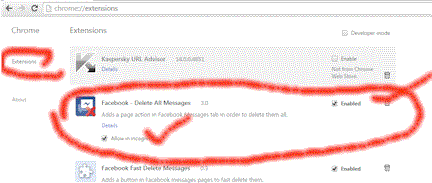
Now in appearing window select the EXTENSION option and enabled extension ?Delete all Messages 3.0 and Check the ?Allow in Congni to ?check box.
-
Close all the Explorer Windows and Open Google chrome again and open your face book accounts.
-
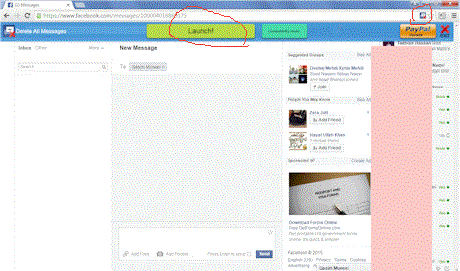
Open the messages page and click the Delete All icon near the Book mark icon.
-
Now a bar appears on the top of face book page. Click on Launch option.
-
(if it?s not work click on compatibility mode option once)