Image Sharpening In Adobe Photoshop
By Tauqeer Shah
Published: 14 Feb 2026
Adobe Photoshop Sharpen Filter Tutorial
Image Sharpening In Adobe Photoshop
There are many ways to make image sharpen in adobe Photoshop. In this tutorial we discuses Sharpening image with sharpen Filter and Quick sharpening with High Pass Filter.
With Sharpen Filter:
For this purpose open image and make its copy. (with copy you have have original picture remain same so you can compare and restore)
Click on Filter Menu
And then select Sharpen and again select sharpen
Sharpening with High Pass Filter:
Open the image and make its copy as we discus above.
Now Click on Filter menu.
First change the blending node to overlay from layer panel.
Select High Pass Filter and adjust the radius value where you find image enough sharpen.
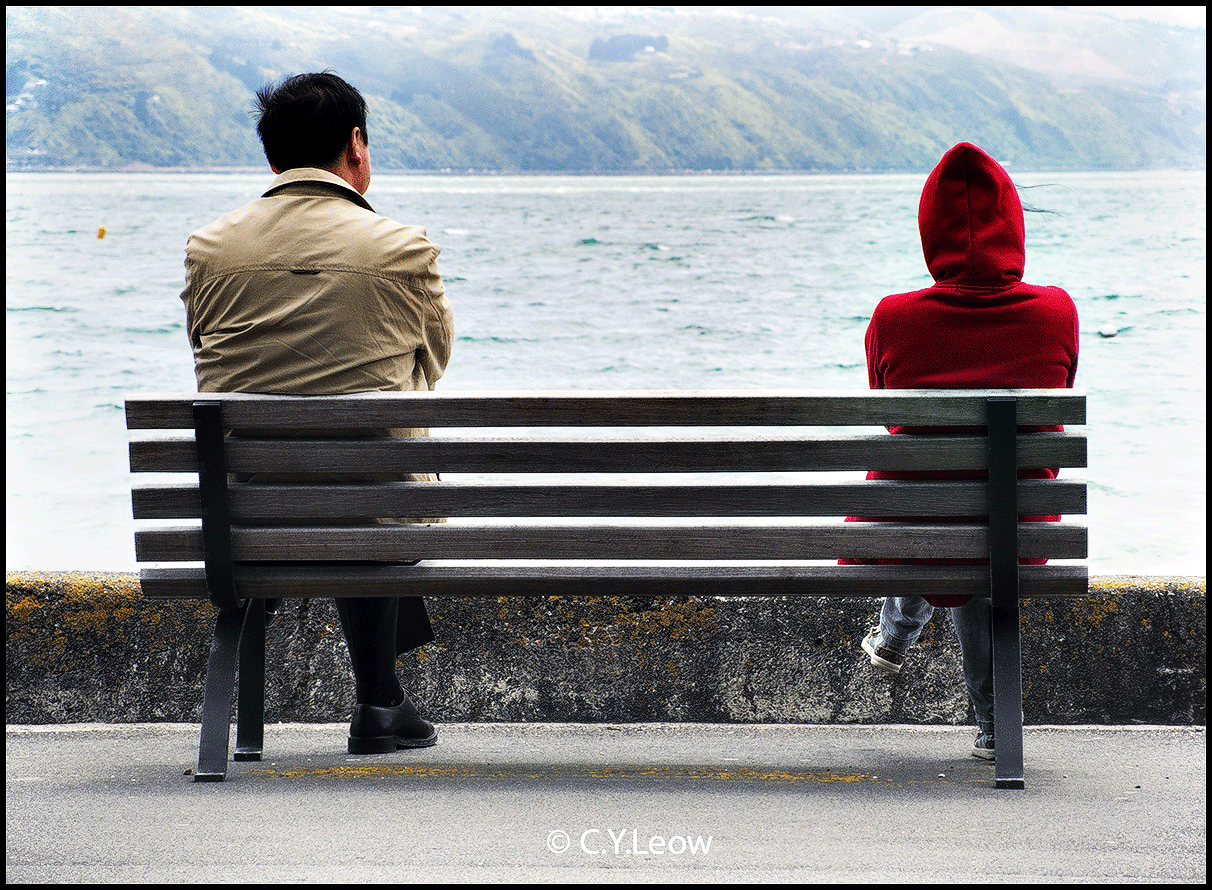
Before Sharpening
After Sharpening