Applying Filter Effects in Adobe Photo Shop
By Tauqeer Shah
Published: 14 Feb 2027
Adobe Photoshop Tutorial
Filters Effects in Adobe Photo Shop
In adobe Photoshop there is many built-in filter effects which are describe below one by one. These filter effect are used for diffirent purpose such as clean up or retouch your photos, apply special art effects etc . you can apply each effect form Filter Menu.
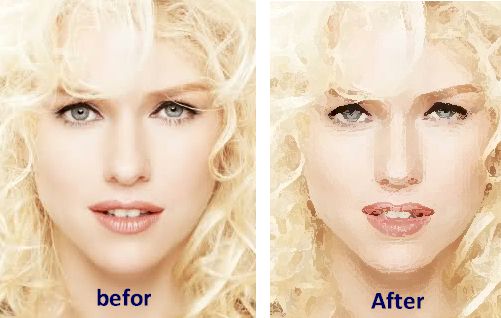
Artistic filters Artistic menu contains about 15 filters. These effect are used to add brush strokes to your images. For example with Dray brush we can apply stylistic effect, reducing details to a series of broad strokes.
Blur filters
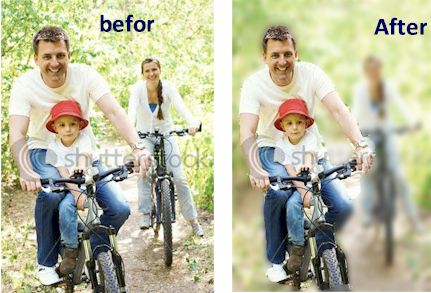
This effect is used to Soften a selection in the image aria which you are select or an full image. Blur filters are useful for retouching. You can also make images of out of focus with blur effects.
Brush Stroke filters
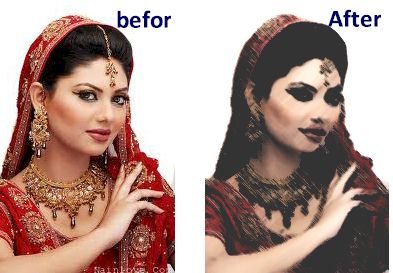
You can make you images more artistic with brush stork filter. This is all about fine arts work. Fro example Dark Stock give you apply dark color brush stock effect.
Distort filters
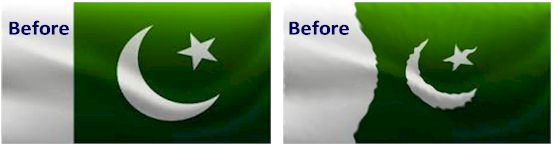
This effect apply the Geometrically distort an image, 3D effect etc. This filter use more memory of your system. in the image below we apply pinch and ripple effect form distort filter.
Noise filters
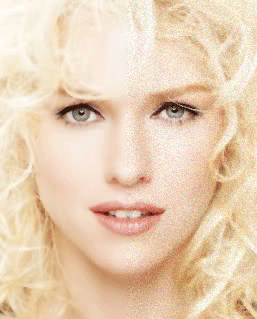
With these effect you can add or remove the noise or pixels with randomly distributed color levels. This filter help when you blending more the one images with each other. The half of the image below aria is applied noise effect.
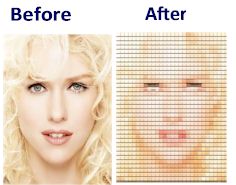
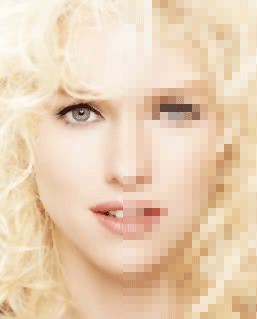
Pixelate filters Sharply define a selection by clumping pixels of similar color values in cells. For example By applying the Mosaic filter to an half aria of image image you can turn it into solid colour blocks so that it looks lusciously pixelated.
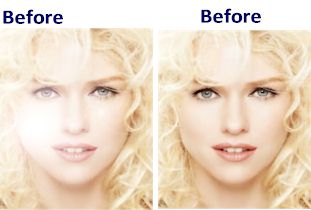
Render filters Render filter is used to create Create 3D shapes, cloud patterns, refraction patterns, and simulated light reflections in your image. below image is an example of light reflection with lens Flare effect.
Sharpen filters This effect create more sharpen picture. you can sharpen the edges of the picture. The Unsharp Mask filter is commonly used for high-end color correction the images below compare simple picture and after Unshorp masking effect.
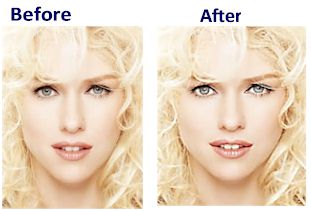
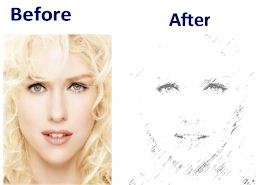
Sketch filters this effect is used to Add texture to images. This is very help full filter for creating fine-arts. Such as pencil work chalk work etc. The image below is an example of graphic pen stork.
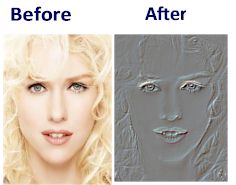
Stylize filters This filter have tools which Produce a painted or impressionistic effect on your images. The image below is an example of stylize>emboss effect
Texture filters This effect apply the texture on the image. The image below is applied the patchwork.